Setting
Overview
This section is used to manage the predefined actions used to describe jobs and tasks, as well as the various components of a vessel
15.1 Actions
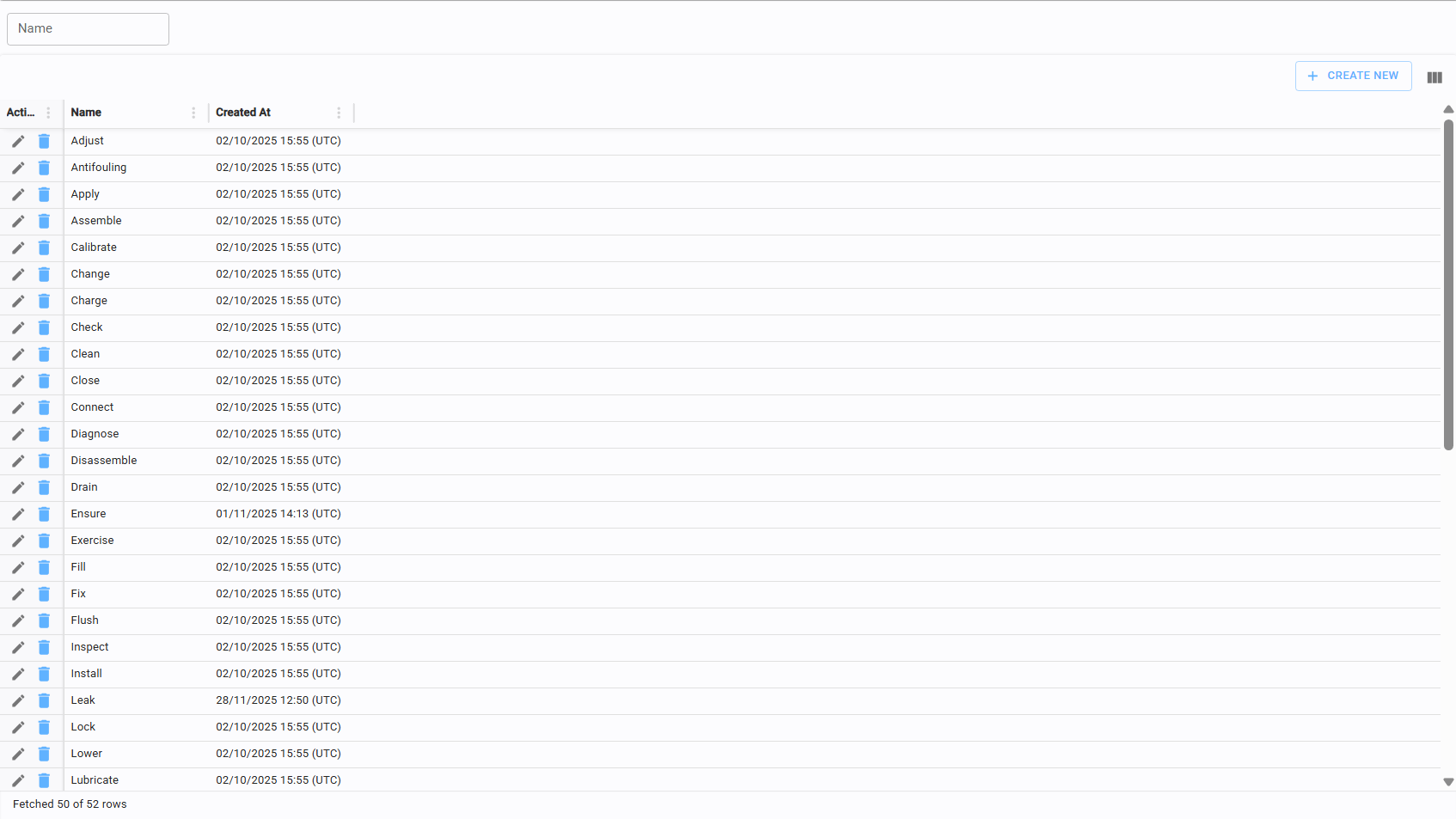
This page allows you to view, create, and delete the possible actions that can be assigned to a job or a yacht.
15.1.1 Create/edit action
To add a new action, click "Create New" and enter the Name in the editor, then click save.
15.2 Boat parts
This page is used to view, create, and delete vessel components. Boat parts are organized within a three-level hierarchy for precise identification.
15.2.1 Create/edit boat parts
To add a new component, click the "Add Part" button. When editing or creating, you can define the part's position within the hierarchy to ensure it is correctly categorized.