Models
Overview
This section of the application manages yacht models and their specific versions. Each model can have multiple versions, just like cars.
5.1 Models list
This page allows you to browse all boat models currently stored in the database.
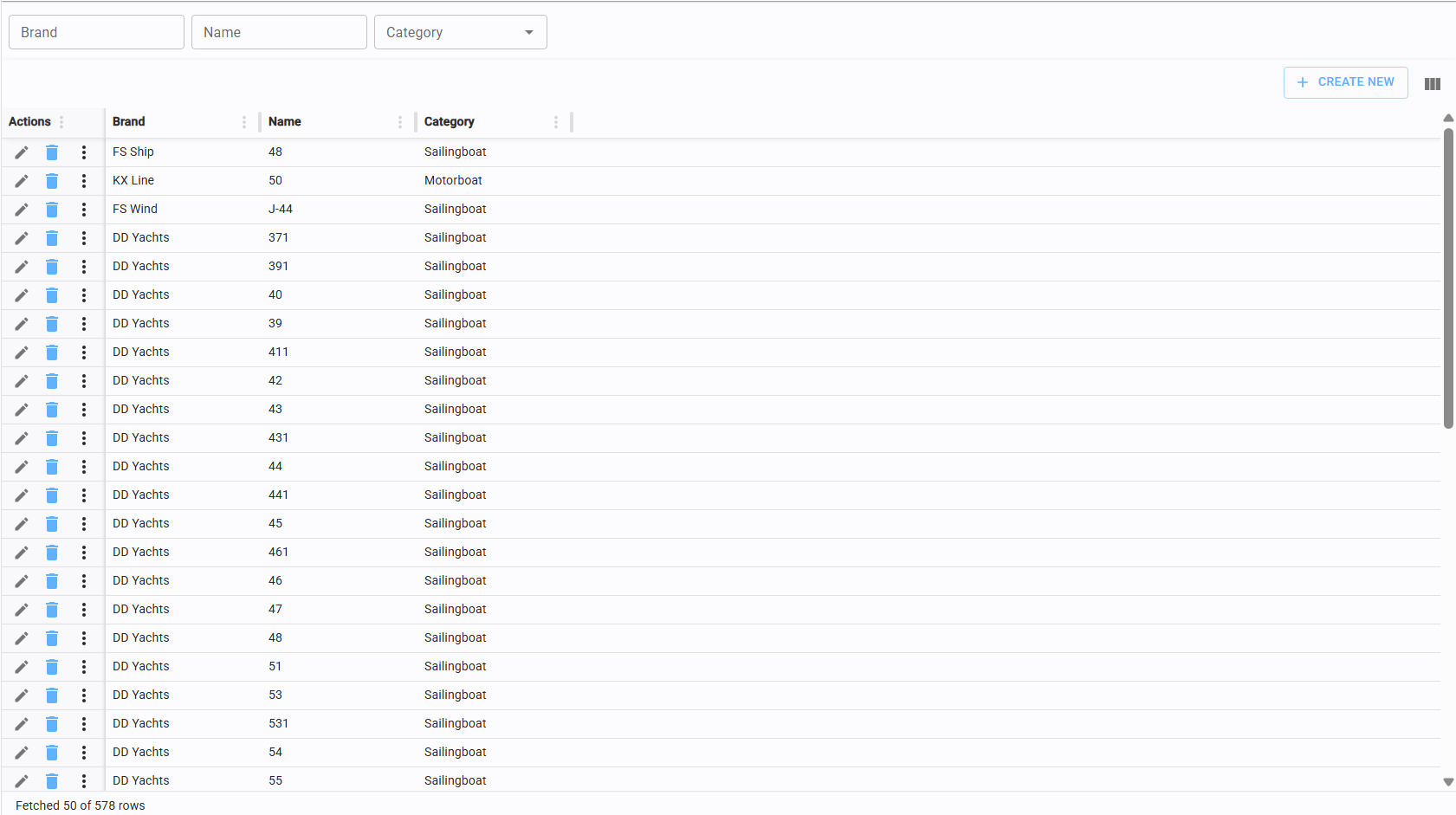
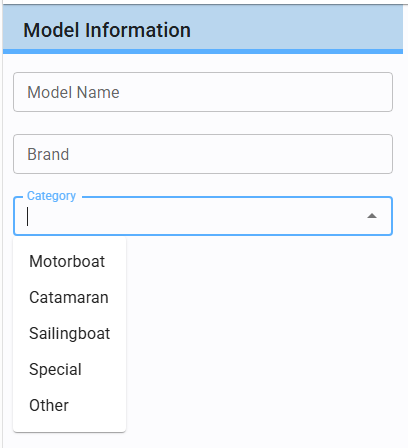
Click the "Create New" button in the top-right corner of the models list table to access the model editor.
In addition to the Model Name and Brand, you can associate each entry with a specific Boat Category.
5.2 Versions
This page provides a complete view of all model versions available in the database.
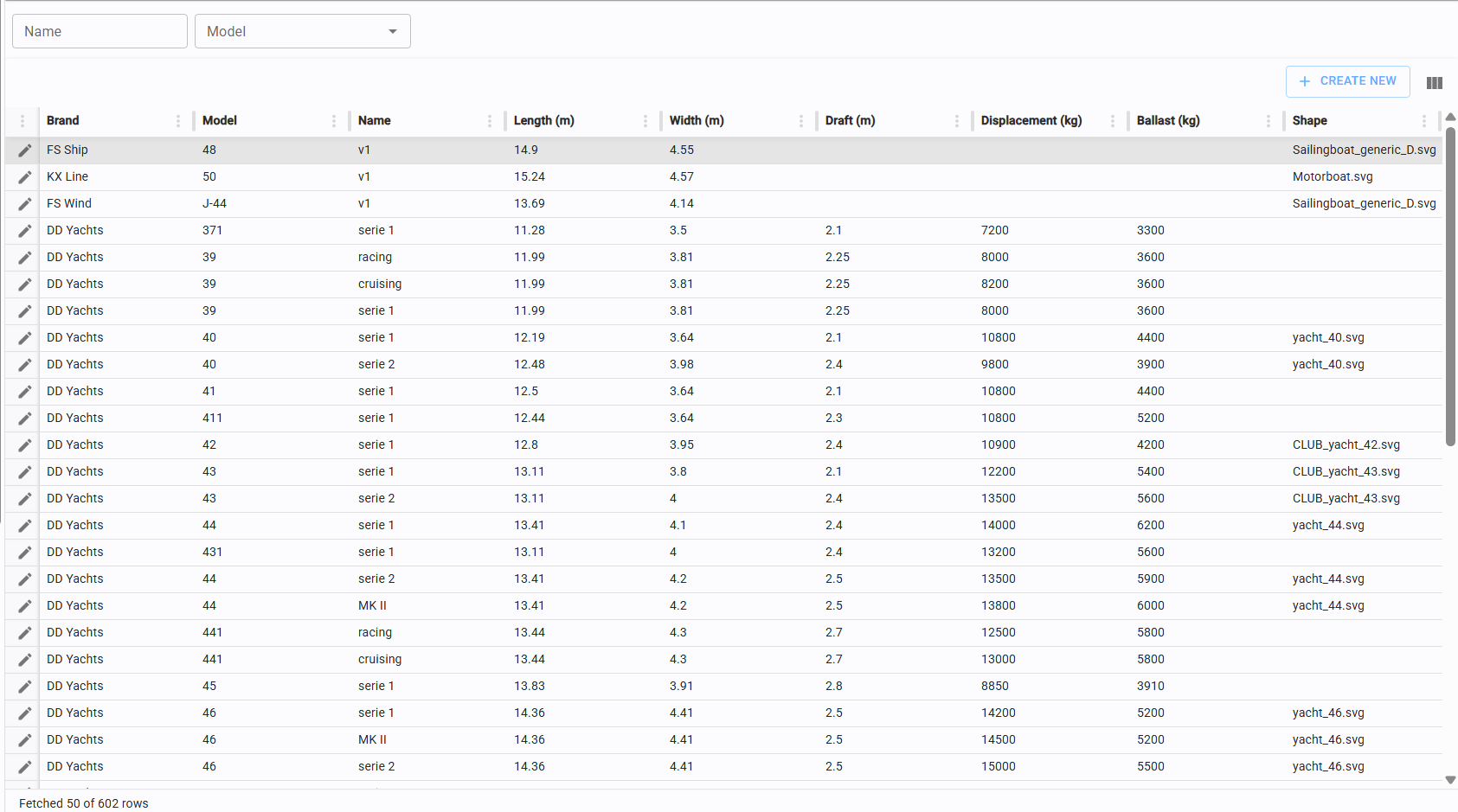
5.2.1 Create new/edit version
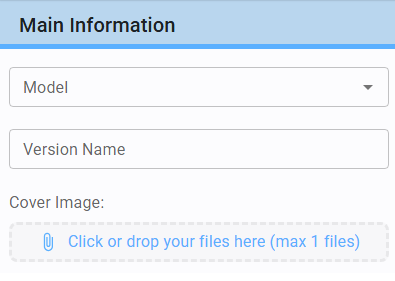
Click the "Create New" button in the top-right corner to open the version editor.
Model Association: Select the specific model for which you are creating a version.
Identification: Assign a Version Name and optionally upload a Cover Image (refer to section 3.6 for attachment procedures).
5.2.2 Assign shape and measures to version
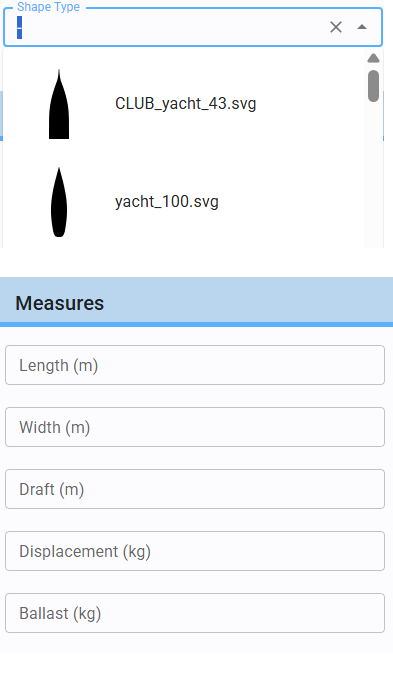
Assigning the correct shape and dimensions to a version is critical.
This ensures that all yachts linked to a specific model version share identical characteristics and are displayed correctly within the system.
5.2.2 Assign document to version
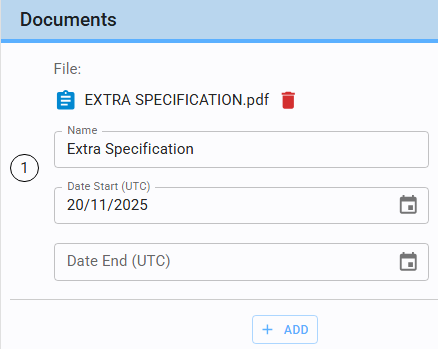
Within the model version editor, you can attach relevant documentation.
Use the upload function (refer to section 3.6) to add files.
Provide a Name and specify the Validity Period for each document before saving.