Boat documents
Overview
This section handles all vessel-related documentation, whether linked to an individual yacht, a model, or a specific version.
All documents are uploaded and managed through a standardized process. Visibility and sharing permissions are determined by the association (yacht, model, or version) and the classification (Client or Internal).
6.1 Internal documents
This page is used to view and add internal documents, such as manuals or other files the company shares with the client regarding their specific yacht.
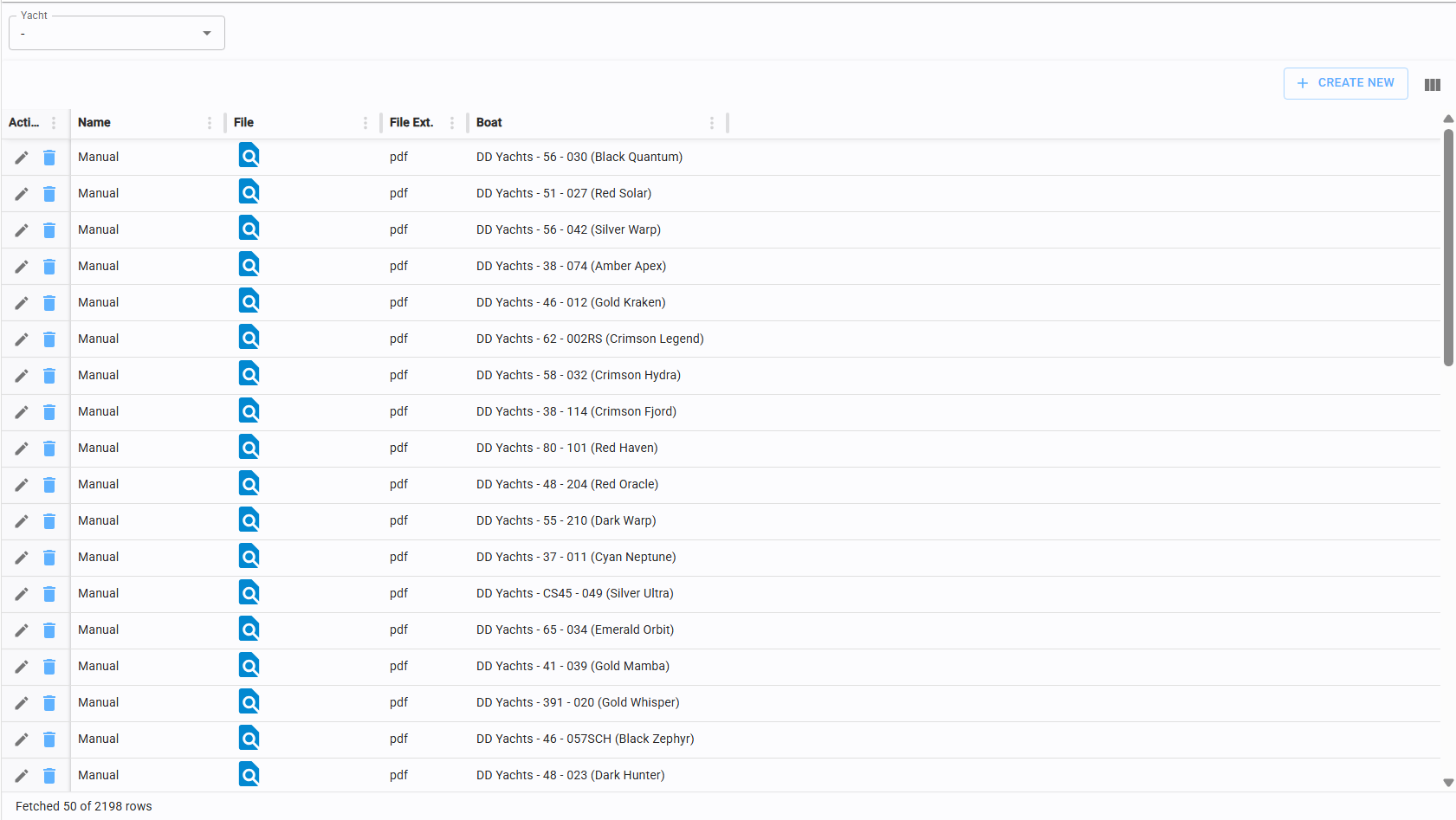
6.1.1 Upload new internal document
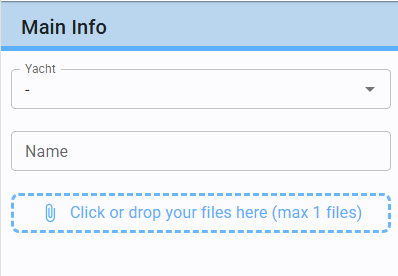
Click "Create New" in the top-right corner of the Internal Documents table (this process applies to all document tables) to access the upload form.
Select the yacht, enter the document name, and attach the file (refer to section 3.6 for attachment procedures).
6.2 Client documents
This page allows you to manage documents provided by the client, such as insurance policies or other records related to their yacht.
The system automatically identifies and flags expired documents.
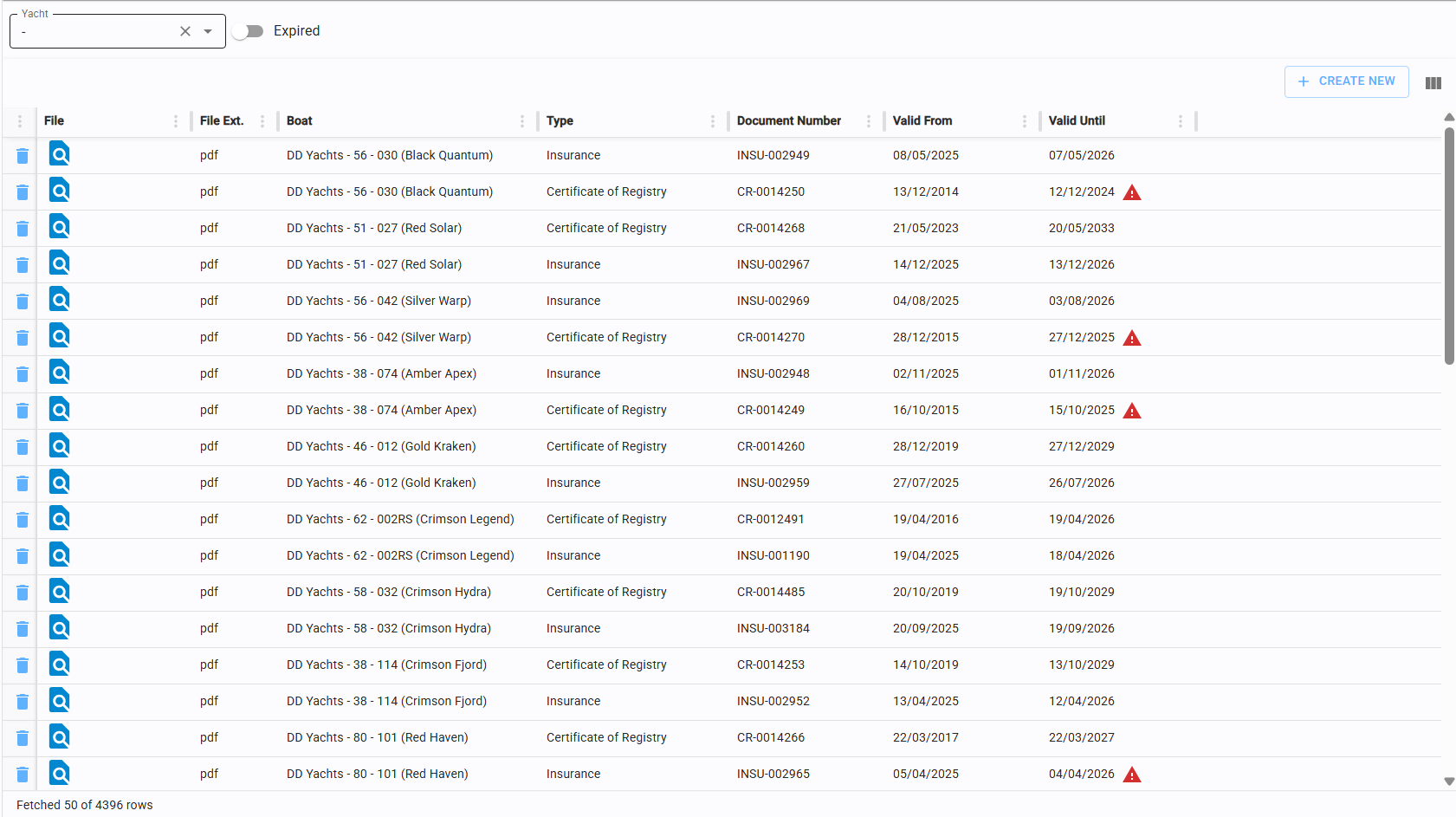
6.2.1 Create new client document
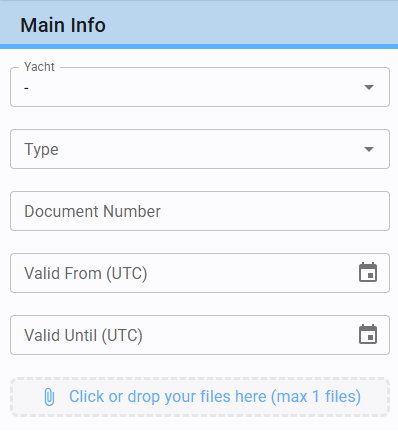
Click "Create New" in the top-right corner of the Client Documents table.
-
Select the relevant Yacht.
-
Select the Document Type from the list.
-
If "Other" is selected, you can enter a custom title for the document.
-
Provide the Document Number and Validity Dates.
-
Attach the file (refer to section 3.6). allegato vedi voce 3.6)
6.3 Model documents
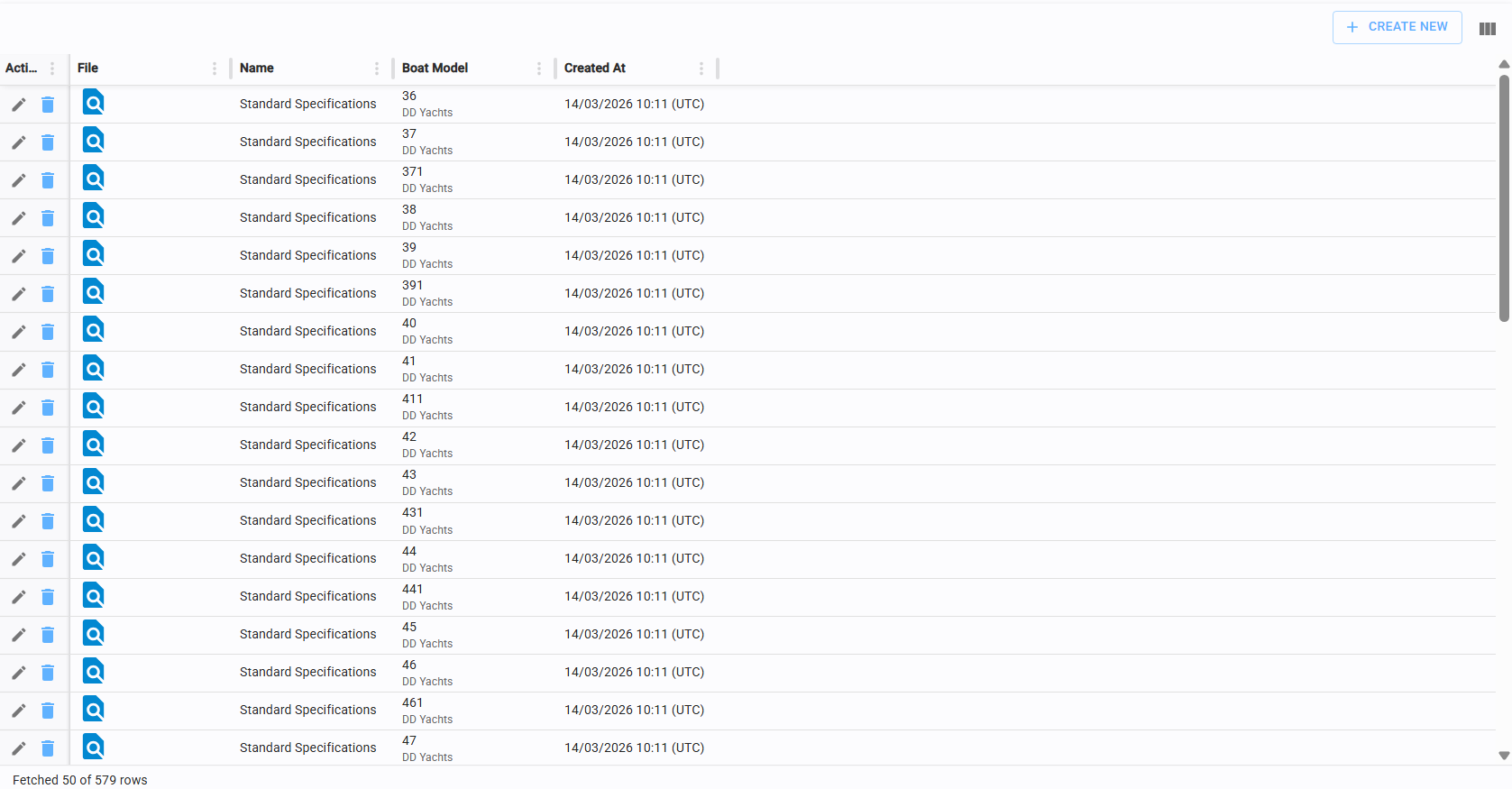
This page is used to manage and add company documents shared with clients that apply to a specific yacht model.
6.3.1 Create new model document
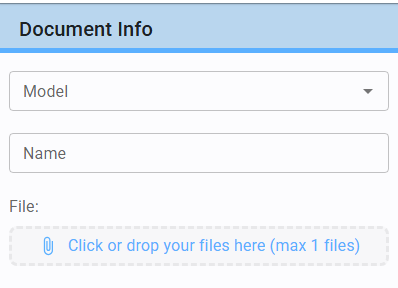
Click "Create New" in the top-right corner of the Model Documents table.
Select the yacht (to associate the model), enter the document name, and attach the file (refer to section 3.6).
6.4 Version documents
To manage documentation for a specific version, please refer to section 5.2.3 in the Versions section.