Yard access
Overview
This section of the application manages all access points of a facility, covering employees, subcontractors, visitors and boat members.
The system records entrances and exits, handles security authorizations, and manages access permissions.
7.1 Companies
This page is dedicated to managing all external companies associated with the facility.
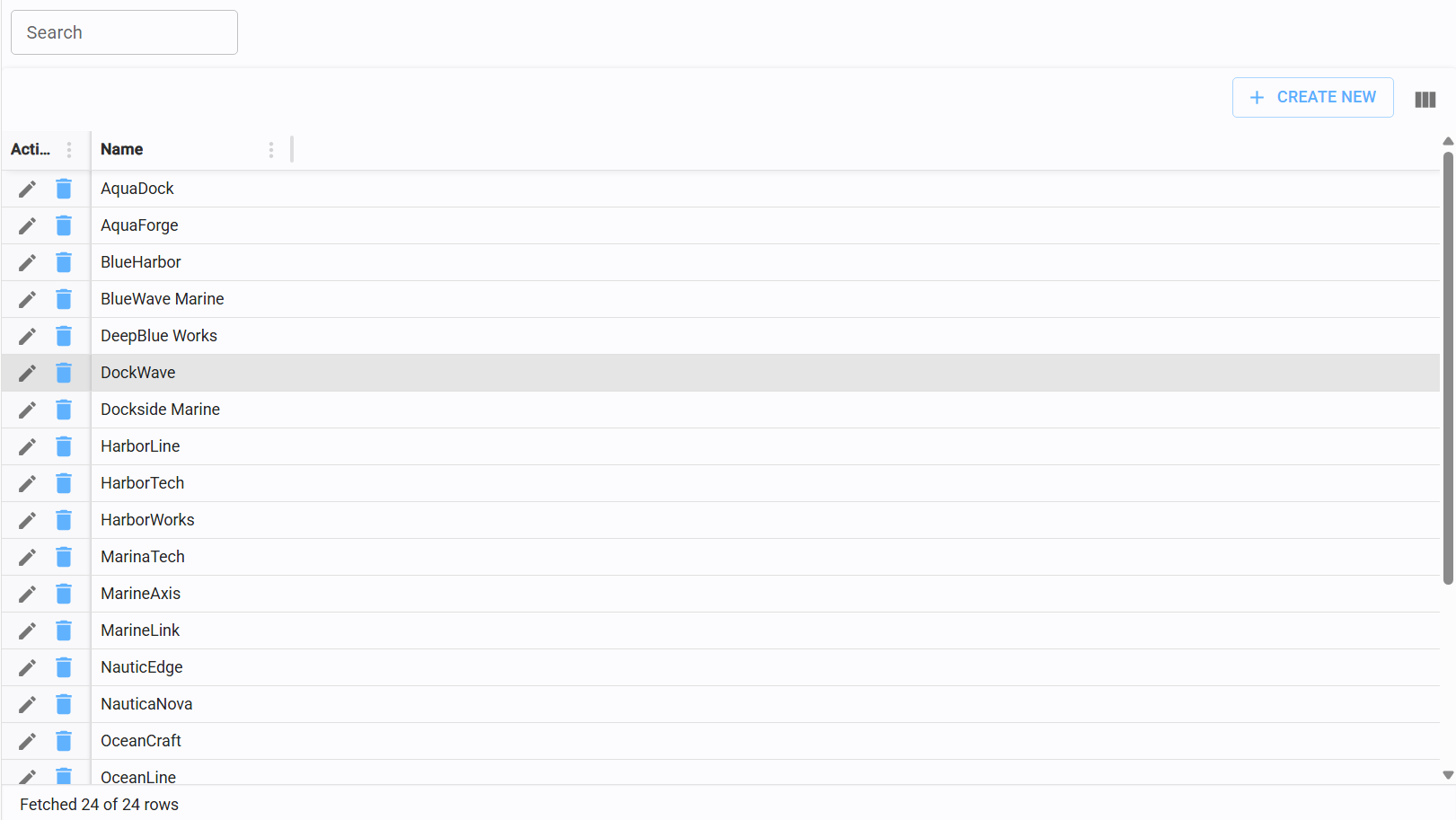
7.1.1 Create/edit company
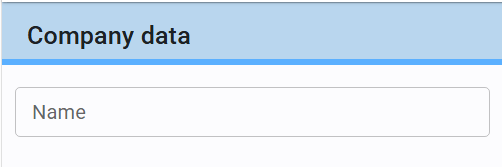
To register a new company, click the "Create New" button in the top-right corner of the table and enter the Name in the edit form.
7.2 Visitors
This section focuses on managing individual external profile, which will be associated with a specific "Visit", which holds the date and time when the visitor will be inside the facility.
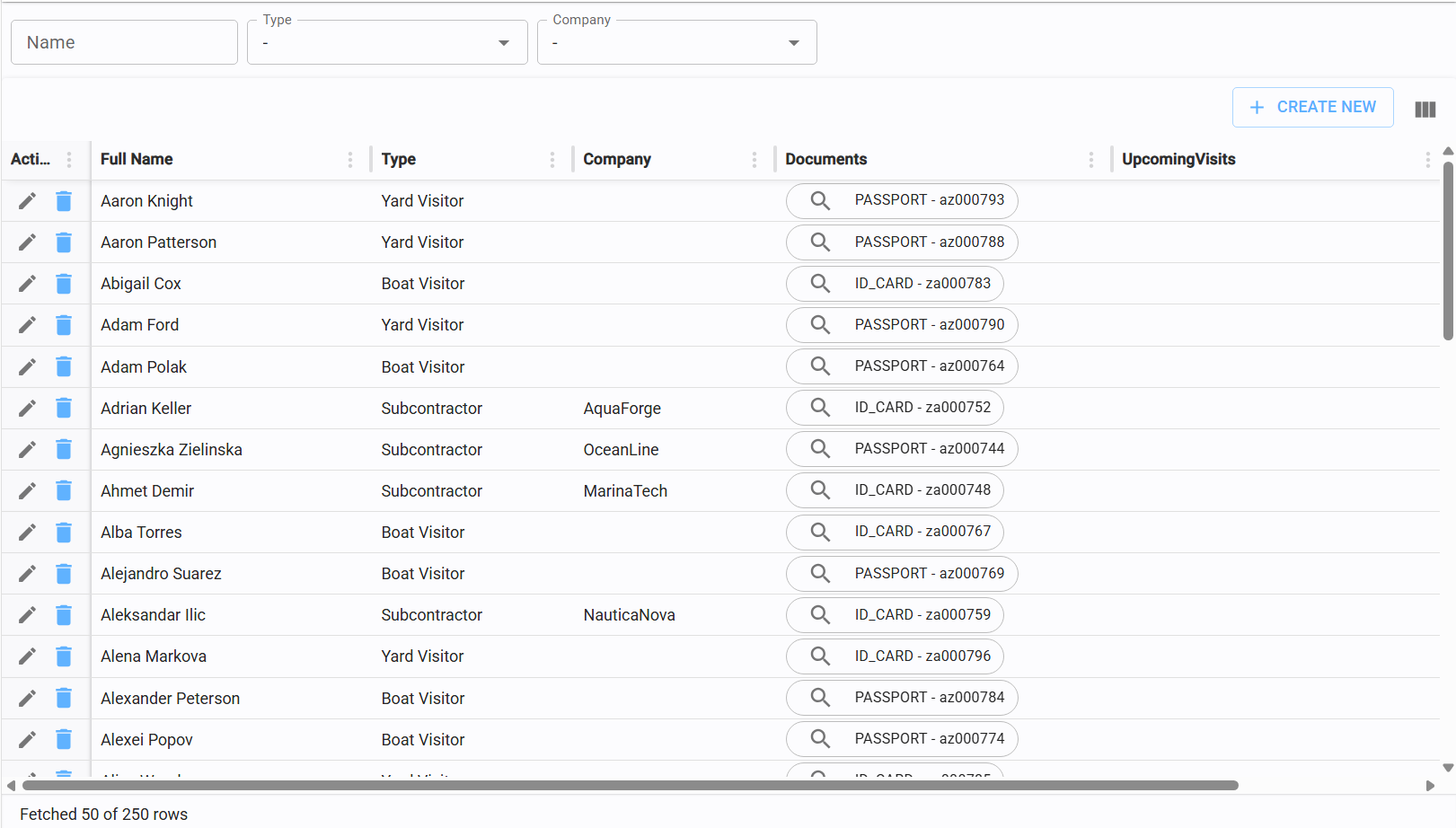
7.2.1 Create/edit visitor
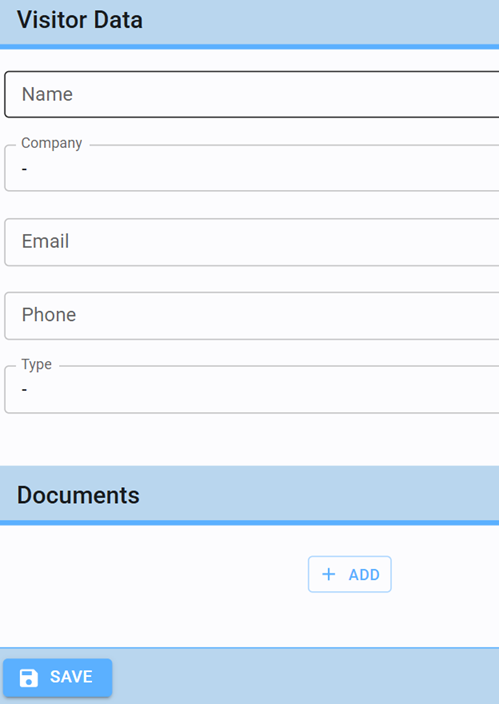
Within the visitor editor, the Name field is mandatory.
While Email, Phone, and Documentation are optional, providing this information is highly recommended to prevent duplicate records and ensure data integrity.
Refer to sections 7.2.2 and 7.2.3 for details on assigning visitor types and companies.
7.2.2 Assign visitor type
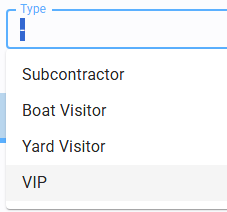
Assign a classification to each visitor from the predefined categories. The "Subcontractor" type is specifically designed to manage employees and collaborators of external companies.
Proper categorization streamlines daily access management.
7.2.3 Assign company
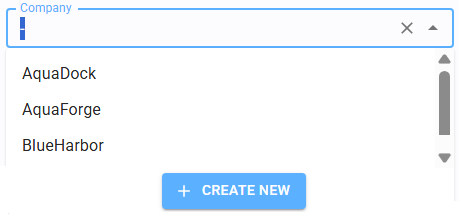
Visitors can be linked to a specific company, regardless of whether they are subcontractors.
You can select a registered entity from the dropdown menu or create a new one instantly by clicking "Create New."
7.3 Scheduled visits
This page manages the planning and authorization of upcoming visits to the facility.
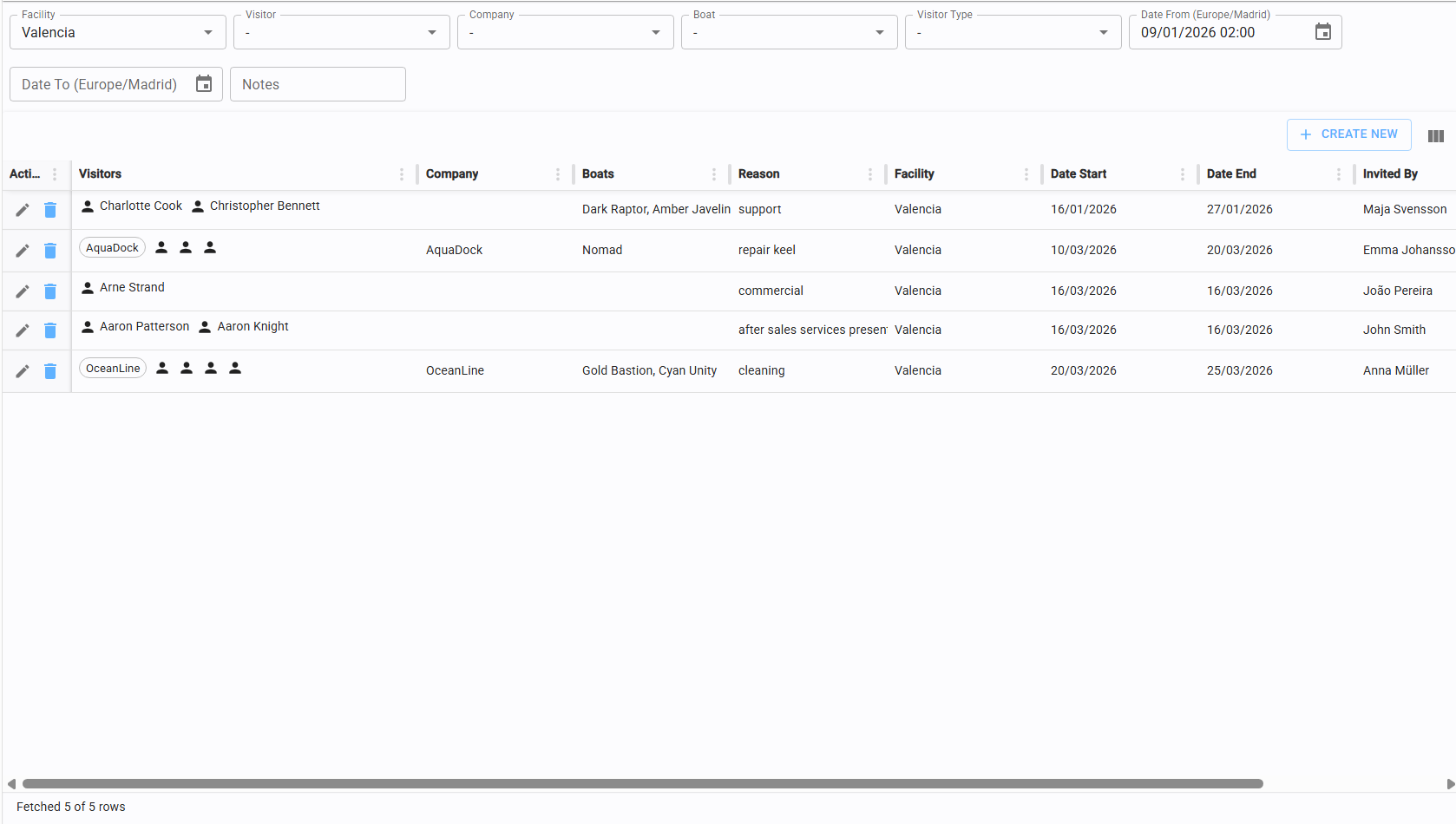
7.3.1 Create new/edit schedules visits
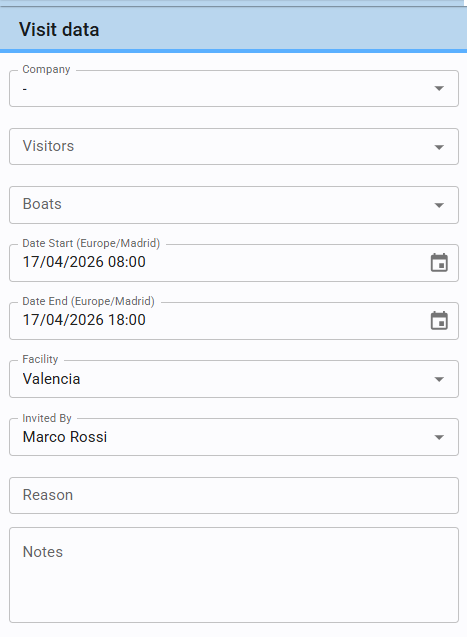
To schedule a visit, the following mandatory information is required:
-
Facility (Where): The location of the visit.
-
Validity Dates (When): Start and End dates for the access period.
-
Invited By (Host): The internal person responsible for the visitor.
-
Reason (Purpose): The objective of the visit.
-
Company and/or Visitors (Who): A visit must include at least one registered visitor or one company.
Boat association and additional notes are optional.
Note: Scheduled visits spanning multiple days grant access for the entire defined duration.
7.3.2 Assign visitors/company to visit
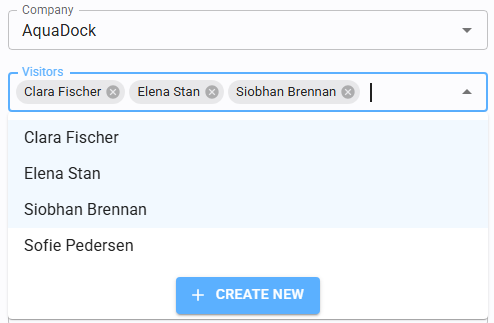
The system offers flexibility in scheduling:
-
Company only: Schedule for a company without specifying individual participants (they can be assigned later).
-
Visitors only: Schedule for one or more individuals without a specific company association.
-
Combined: Schedule for a company and its specific designated visitors.
Since Visitors may already reference a Company, filling the Company field here might be not necessary
7.3.3 Assign boats to visit

You can link one or more vessels to a visit by selecting them from the Yacht dropdown menu.
7.4 Register access
This page is used to record real-time entry and exit events for personnel and visitors.
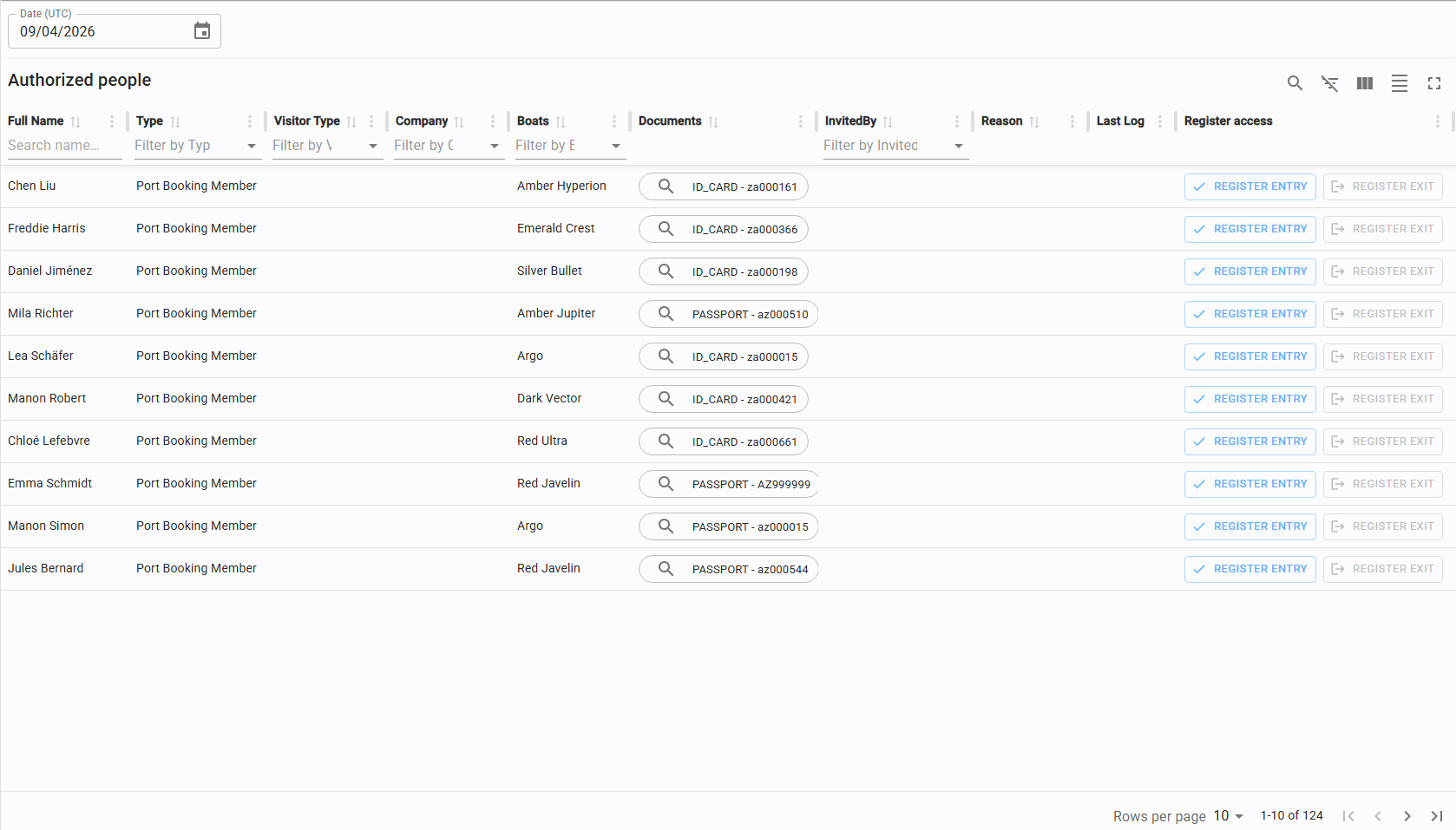
While you can view the access history for any date, active registration (clock-in/clock-out) is only permitted for the current day.
7.4.1 Create a new entry/exit
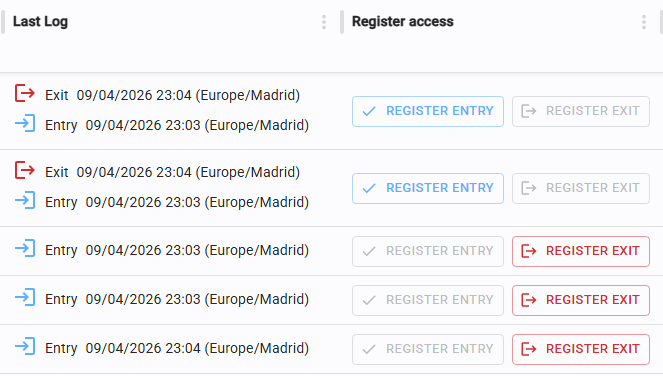
Click "Register Entry" or "Register Exit" in the corresponding row to log an event.
The system follows a logical sequence: an exit can only be registered if an entry was previously recorded, and vice versa.
7.5 Access log
The Access Log serves as a centralized monitoring tool and audit trail.
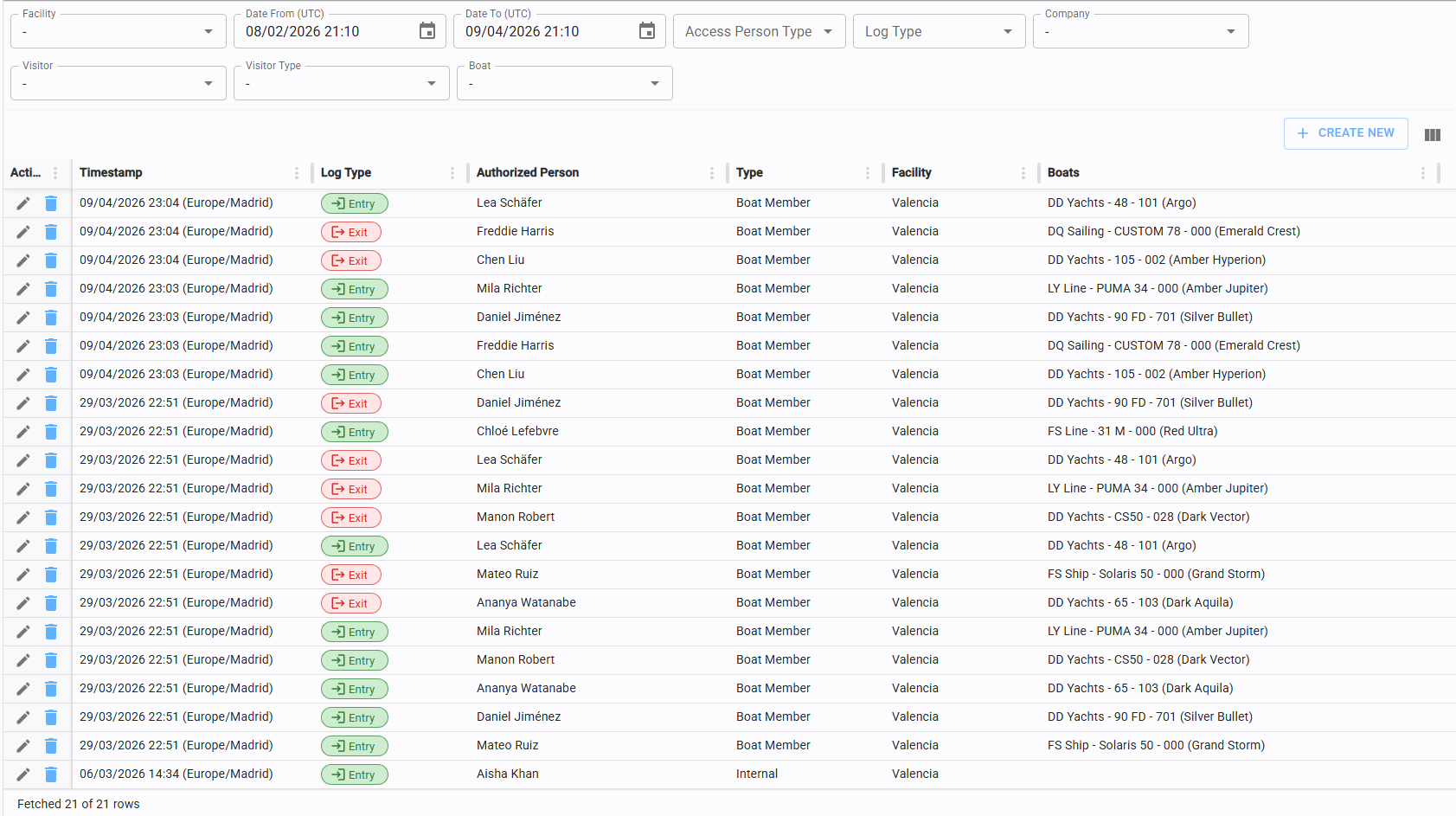
For security and compliance reasons, access logs are read-only and should not be modified once recorded.